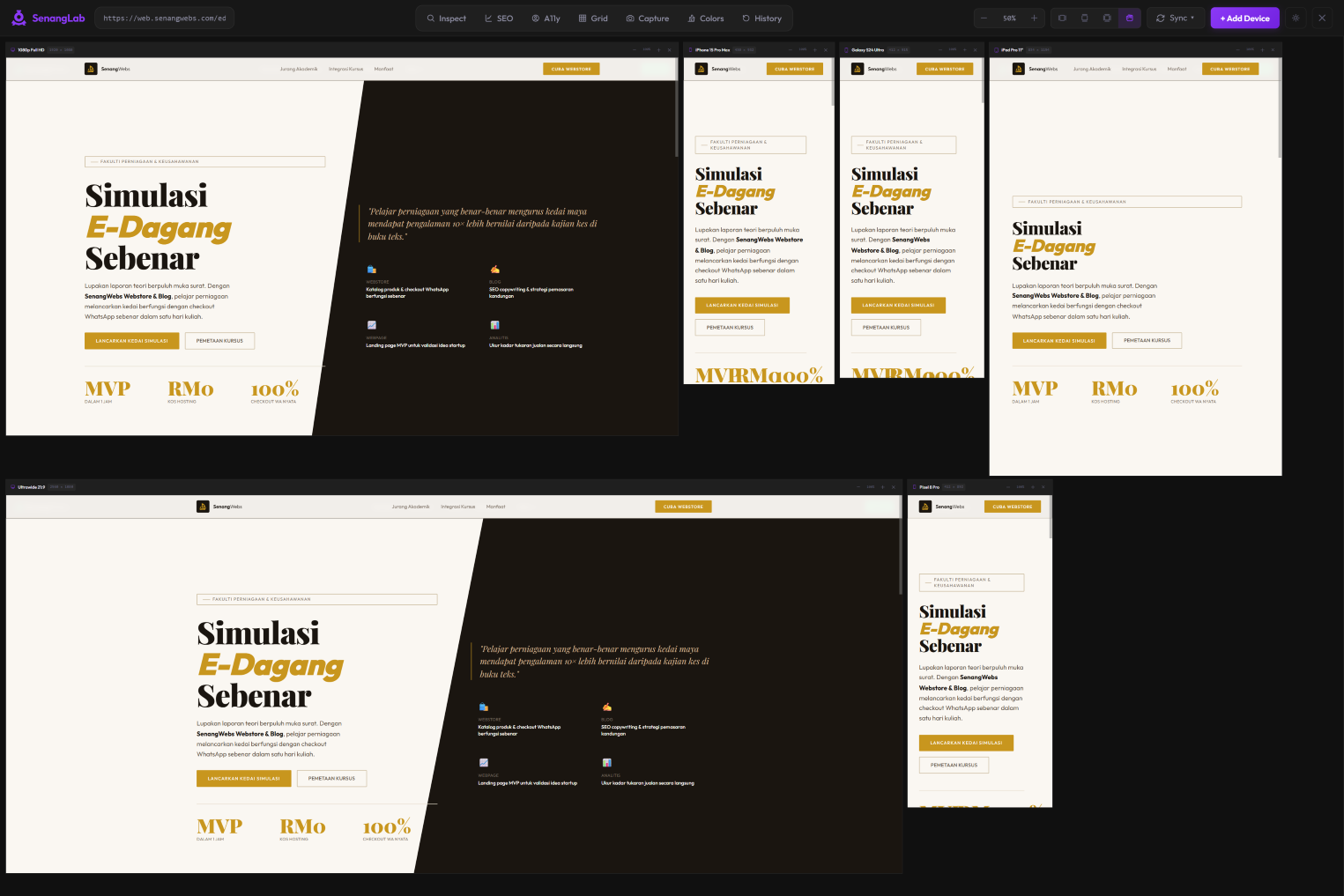
We’ve all been there. You’re deep in a responsive design flow, constantly flipping between your code editor and the browser. You hit F12, click the "Toggle Device Toolbar" icon, select an iPhone, check it, then close it. Then you need to check an iPad. Then a iPhone.
After doing this over and over again, I thought:
Why am I wasting my mental energy on toggling menus instead of actually building?
My biggest annoyance is simple: In Chrome inspect, I only have one screen viewport to work on. Every time I need to check a breakpoint, I have to manually adjust the viewport width or presets. It hit me that this workflow was severely limiting my productivity. I didn't just want to peek at one device at a time. I wanted the whole picture.
So I asked myself a simple question:
Why can't I have all my target screen devices visible in one single workspace?
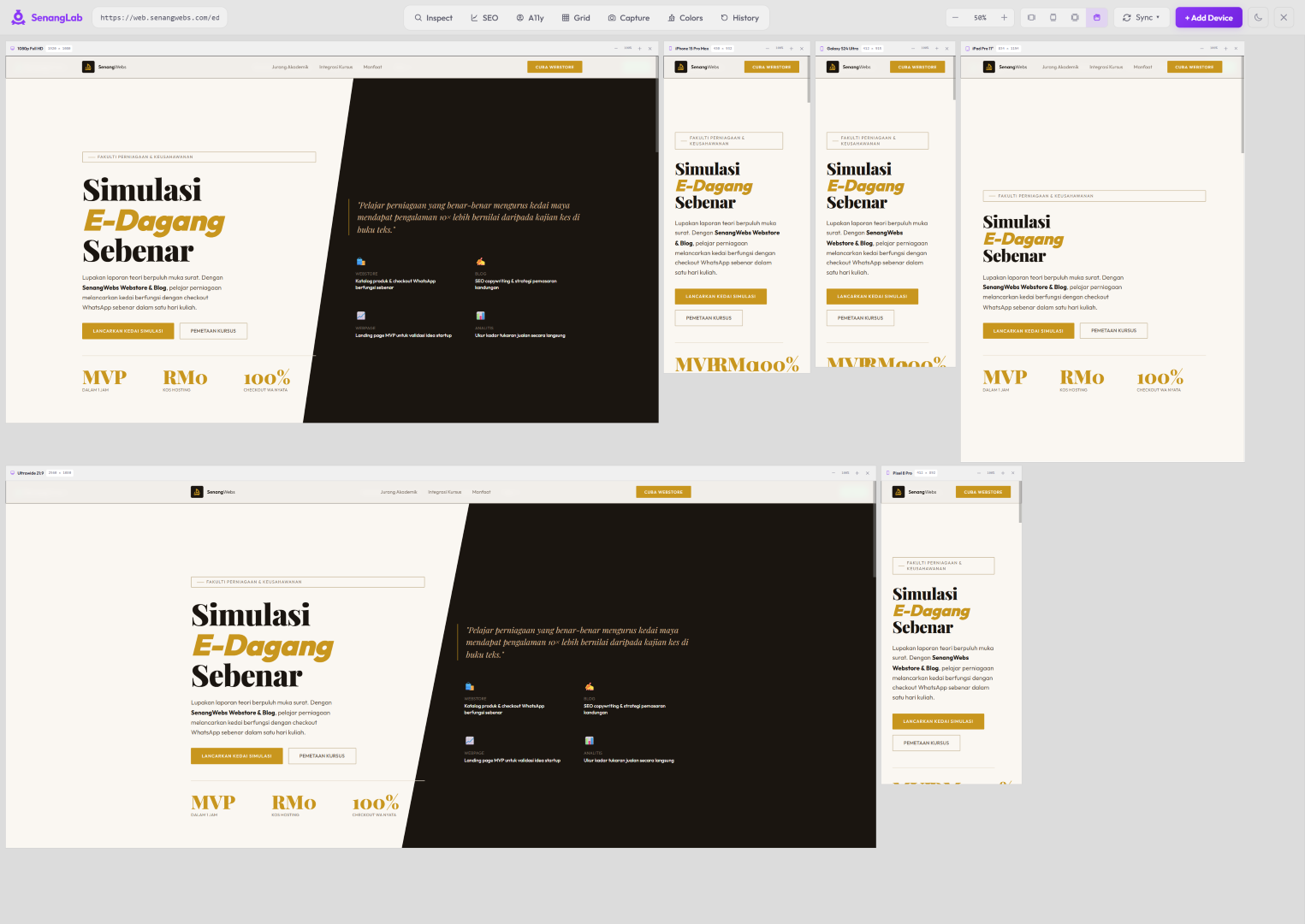
Imagine seeing your website on a desktop, a tablet, and a phone all at once, updating simultaneously as you type code. No toggles. No dropdowns. Just instant visual feedback across your entire target screen sizes.
I imagined the solution I wanted would not be a dedicated desktop app nor a web app. It should live within the browser. Thus, making it a browser extension made perfect sense.
I had never built a browser extension before. This was my first foray into the world of Chrome and Firefox add-ons. Surprisingly, the development process itself was relatively straightforward. Because I had a very clear vision (multiple screens, one workspace), I wasn't chasing any fancy features. The coding part was actually fun to bring my idea to life.
But then came publishing.
🫠Oh boy.
This triggered some serious PTSD from my past experiences with mobile app stores. Much like trying to ship an app on iOS or Android, getting an extension into the official stores was a bureaucratic obstacle course. Forms, asset sizes, permission justifications, security audits… it wasn't as bad as publishing a mobile app, but it was still a frustrating experience.
As much as I wanted to scream into the void, I guess this friction is necessary. It keeps bad actors out and secures the distribution platform. Still, it's not the "code-and-ship" dream I imagined when I started this project.
Despite the publishing headache, the overall experience was incredibly positive.
SenangLab is now live and available for FREE on both the Chrome Web Store and Firefox Browser Add-ons store.